Features
SYSCOHADA accounting that writes itself
You sell, pay your expenses and your team: the entries post themselves, right up to financial statements ready for your accountant.
30 days free · no credit card · no commitment
01
Automatic entries
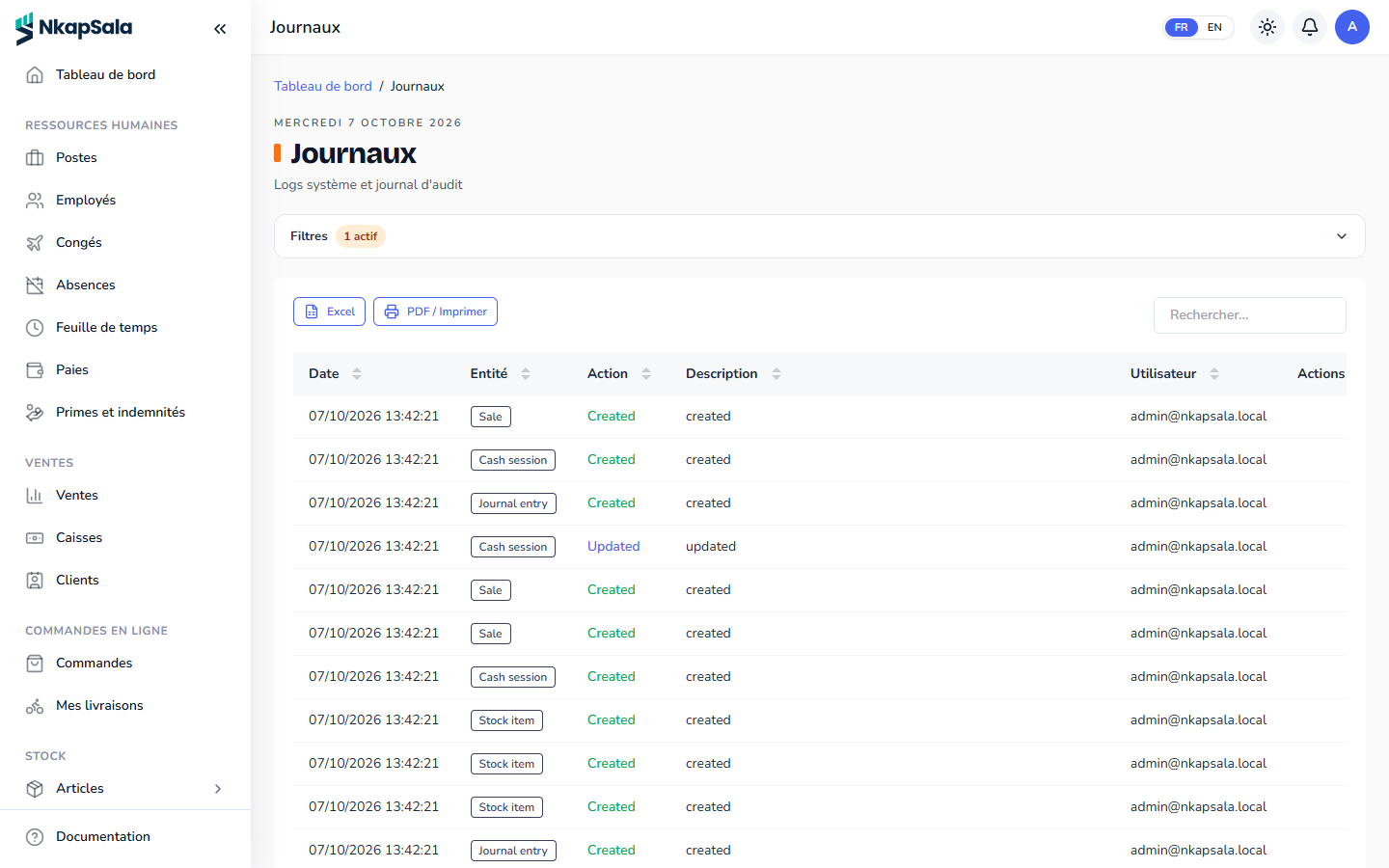
Register closing, approved expense, payroll, rent collected, hotel stay or online payment: each operation posts its entry in the SYSCOHADA chart installed when you subscribe.
Each automatic entry picks its accounts by a role (sales, cash, salaries, CNPS…) that you can point to the account of your choice.
02
Manual entries and approval
An entry typed by hand starts as a draft, balanced and checked, then an approver posts it. A posted entry can no longer be changed: it is reversed.
03
Financial years and periods
The financial year follows your real dates, not necessarily the calendar year, up to 24 months. It is split into periods (monthly, quarterly…) that you close one by one, and a closed period refuses any new entry.
04
Statements in PDF and CSV
- Journal, general ledger and trial balance.
- Balance sheet, income statement and cash flow statement, against the previous year.
- Notes to the accounts and information sheets.
- The full SYSCOHADA statements package in PDF.
Do I need to be an accountant to use the module?
No. You work as usual and the entries write themselves; your accountant finds everything in the statements.
Can the chart of accounts be changed?
Yes. You add accounts, deactivate some, and choose the account for each automatic entry, register or item category.
Can I export to my accounting firm?
Yes: each statement comes out in PDF and CSV, and the full package in a single PDF.
06
Read also
-
Payroll software
Payslips worked out under Cameroonian rules: IRPP, CAC, CNPS, housing fund, FNE, local development tax and broadcasting fee, overtime and seniority.
-
Point of sale software
A register on a phone or computer: cash, Mobile Money, card, loyalty, receipts, credit notes and closing with variance, even during an Internet outage.
-
Business software in Africa
Point of sale, inventory, online ordering, hotel, rent and SYSCOHADA accounting for SMEs in French- and English-speaking Africa. Online, in CFA francs.
-
Business software in Cameroon
NkapSala: point of sale, inventory, IRPP and CNPS payroll, rent, hotel and SYSCOHADA accounting for businesses in Cameroon, in CFA francs and Mobile Money.
-
Property management software
Leases, rent, receipts, arrears, payouts to owners and a tenant space with Mobile Money: NkapSala manages your rental properties.
Start today, get to work tonight.
The account takes a few minutes to create. You pick your blocks, invite your team, and have 30 days to see if it suits you.